My (close to-) zero friction note taking setup
Written on 2026-08-08, Last updated 2026-08-08
When working on my computer, I get distracted by random ideas often. Sometimes this is an urge to look into some term / concept I don’t fully understand while reading, or a sudden inspiration to go write about something, etc. And it is quite easy switch to another screen and take action then and there, and I find the better action, ie. opening my notes app and writing the idea down (to look into for another time) to have just slightly more friction than getting conveniently distracted.
I have a keyboard shortcut setup that instantly triggers up a small text box pop up, where I can type a thought, hit enter, and have the text directly updated to a Notion table, (timestamped automatically), without having to open an app / wait for a window / navigate to a separate page, etc.
This is not significantly different than getting a post-it note or opening my notes app, but I find the set-up just smooth enough that I use it many many more times than alternatives I’ve tried.
(I have it set up such that typing “todo” at the beginning automatically labels it in notion with “todo”, when there is no internet the note is saved locally & a sync auto-triggers when I reconnect to the internet, etc.) Very convenient! And I use it many many times every day.
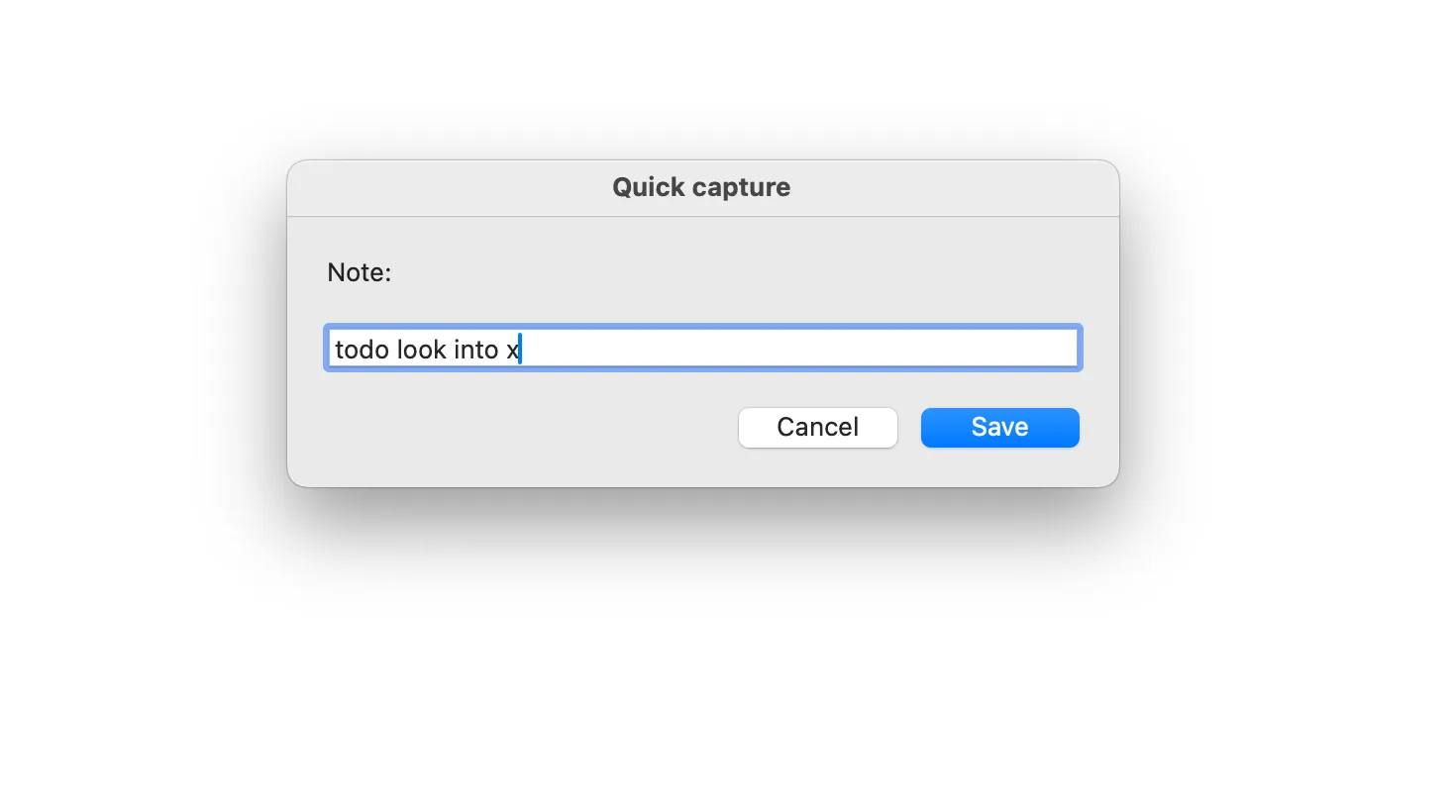
it automatically goes to:
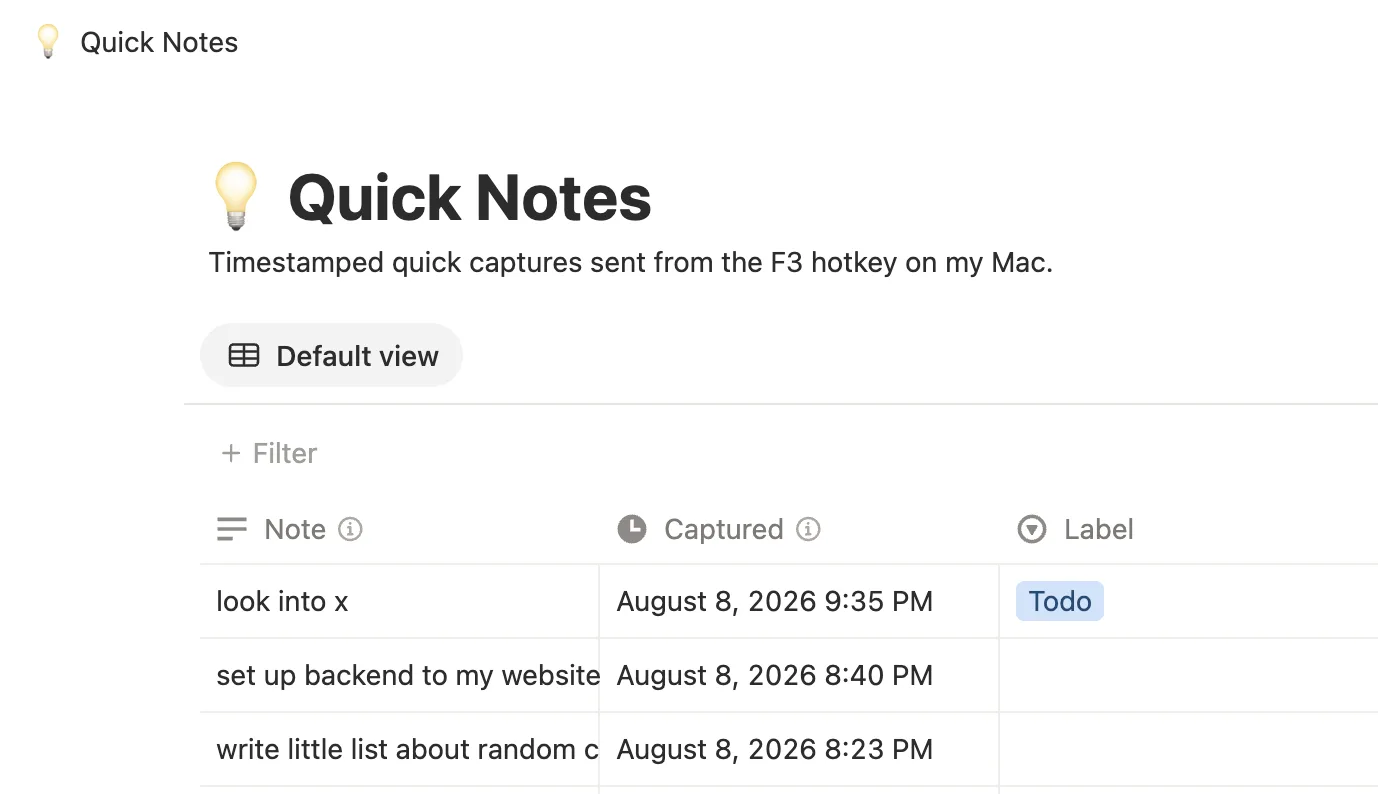
related:
Setup:
GitHub - carolannejiang/quicknotes-notion
TLDR: send this GitHub to your favorite LLM, and ask it how to set it up on your computer.
- I have it on Karabiner, but you can use any app that can bind a hotkey to run a shell command, eg. raycast, Automator & System Settings, macOS Shortcuts, etc.
- I have my notes sent to notion, but you can have it go to a google doc / your notes app / a messaging app / an airtable / etc.
- The main benefit is probably not having to open any app while you type the note.