a list of quality of life computer improvements
Written on 2026-09-11, Last updated 2026-09-13
Here is a list of things I use on my computer that makes my daily experience much smoother.
This list is written more in the aim of being encompassing than to serve as strong recommendations for every singular item. Many are personal preferences & set up for my own habits, and probably do not make sense to be adopted wholesale.
(Note that more than half of the items in this list are from Saul, to whom the credit goes to, and you should plausibly just go read his list, but regardless, here is mine)
Apps & keyboard shortcuts:
Alfred (one time license, £34)
- better spotlight
- hot keys
- clipboard history
- Keyboard text expansions!! (h/t Parv)
“You probably type some things a lot, especially if you do non-trivial amounts of administrative or communicative work. There are also probably things you would type more if it was easier to!
For instance:
Link to your personal website
Your email address or phone number
Your LinkedIn
Your calendar booking link - (I use them the most frequently for extensive LLM prompts, it makes it much easier write extensive, specific LLM prompts, which greatly improves the quality of output)
some prompts I use (todo: paste more here)
I am learning the basics of (field), trying to understand all of the jargon and have a overall framework level understanding. I am reading this essay, please switch between tutoring me on important things to think through myself, while telling me the answers on things that I don't have enough context to derive / are not that important.I am learning the basics of (field), trying to understand all of the jargon and have a overall framework level understanding. I am reading this essay, please switch between tutoring me on important things to think through myself, while telling me the answers on things that I don't have enough context to derive / are not that important.
Karabiner Elements, for hotkeys (claude code can directly edit the scripts if you grant it permission)
- Some keyboard bindings I have: (these are just some examples & you should probably do whatever makes sense for your habits)
- remap Caps Lock to something useful
- I have it set to Hyper, which is programmed to trigger all four main modifier keys (Control, Option, Command, and Shift), because this combination is awkward to press physically, no app uses it & you get a modifier key for free
- sequential hot keys, read this explainer with more examples
- Instantaneous timer starter
- I have Hyper then 1-9 = triggers a timer for that many minutes; then 0 + two digits = 01-99 min
- Instantaneous timer starter
- Hold d triggers mouse layer (hikl pointer, f/g click, u/m scroll, space fast)
- Hold s triggers vi layer (hik arrows, u/o words, n backspace, a shift, f fast)
- Hyper + arrow key = focus the nearest pane or window to the left/right/above/below
- Hyper 4 opens a folder with all recent screenshots, where I can drag & edit
- remap Caps Lock to something useful
- Bind some of your function keys to things more useful
I basically never use F3-9 on my laptop, so I’ve binded them instead to:
- F3: instantaneous note taking text box (in more detail later)
- F4: claude search bar pop up

- F5: Instantaneous meeting recording starter
- (I use otter, which probably isn’t the best meeting recording tool, maybe I should try to connect elevenlabs with claude directly)
- F6: Locks screen but does not send computer to sleep (so your LLM can run in the background)
- Some keyboard bindings I have: (these are just some examples & you should probably do whatever makes sense for your habits)
1Password ($2.99/month), password manager
- (consider buying 2 yubikeys to protect your password manager and various other things)
Bartender, ($20.00) hides random stuff from your menu bar, looks neater

- Linear Mouse, set your trackpad speed way above the system settings cap, for those who cannot get into using homerow
- Homerow, for those who can get into using homerow
- InstantSpaceSwitcher — “lets you instantly switch between different spaces on your mac, instead of the extremely annoying ~0.5ms delay when you use the trackpad/etc” (h/t Saul)
- TextSniper — Instantly capture non-selectable text from menu bars, images, videos, etc. (h/t Saul)
- Magnet (Window resizer, never have to drag to resize a window ever again) (h/t Saul)

DNS based ad blocker, as per Andrej Karpathy, “You can block ads by blocking entire domains at the DNS level. I like and use NextDNS, which blocks all kinds of ads and trackers.”
OPTION+CMD+V pastes text with auto formatting
CMD+SHIFT+CTRL+4 takes an ephemeral screenshot and stores it only in your clipboard (h/t Saul)

text editing shortcuts!
- ⌥ Delete = delete previous word
- ⌘ Delete = delete to beginning of line
- ⌃K = delete to end of line
- ⌥← navigate to previous word, ⌘← navigate to start of line,
- [ ] = insert checkbox in google docs & notion
- /toggle to insert toggle,
- @ to insert date,
- ####, ###, for various header tiers, etc.
- or with Karabiner, (h/t Paul Christiano)
- While holding s: u/o move to the previous and next word, n is backspace.
- While holding s+f: key repeat is 10x faster.
- While holding s+a: hold shift (so cursor selects whatever it moves over, e.g. I can quickly select last ten words by holding a+s+f and then holding u for 1 second)
conductor (todo: explain its appeal beyond using claude code and codex in the same app)
amphetamine, keeps your computer running while closed, useful for having your LLM running while your laptop is in your backpack
Savvycal (12$/month), imo the best calendar scheduling app
Superhuman, the best email app
Extensions:
- full screen capture: take a full screenshot of your current browser window
- Click to remove element: Remove annoying browser elements
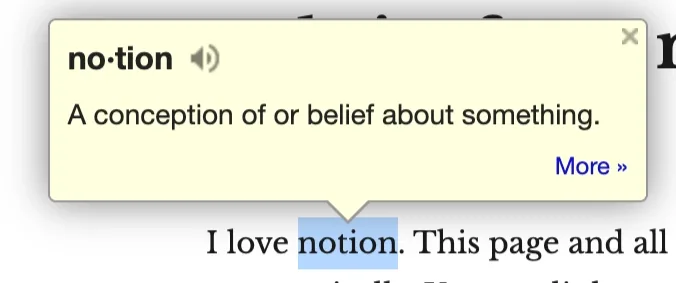
- Google dictionary popup: in webpage dictionary pop up
- Amazon AI removal (by the time you’re reading this, your LLM can probably make a better one in 5 minutes)
- Email finder by contact out
- rocketreach, paid option
- Vimium, for Vim-style shortcuts in Chrome
Scripts:
note that these are much more speculative, personal, and arbitrarily vibe coded. They may very well be useless for you, don’t make sense, or have security vulnerabilities. If you want to set something similar up, consider providing my repos to your LLM for reference, rather than using it out of the box.
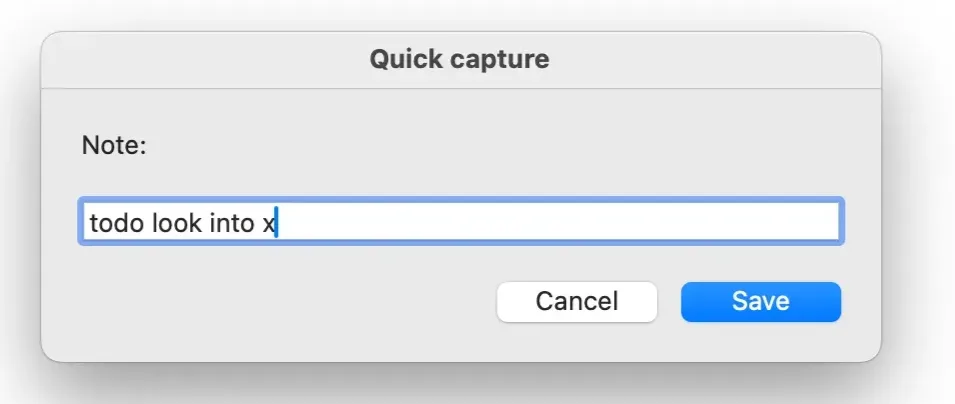
- Instantaneous note taking set up, in more detail here
- text box triggered by hotkey, directly updated to a Notion table (can change for other places as well):
DIY top down keyboard shortcut organizer
I have a lot of keyboard shortcuts set up. It is annoying to have to watch out for in-app conflicts frequently, so I use Karabiner and this thing to declared all of my keyboard bindings top down, as a single source of truth, and it automatically checks for & resolves in app conflicts:
To set up, give this to your LLM:
Clone it, then open ADAPTING.md and paste its brief into Claude Code (or whatever agent you use) from inside the repo.
Use notion as the backend of your website? In more detail here
DIY Notion LLM bot, github here
- a LLM that lives in Notion comments, summoned by writing a comment starting with
/agenton any connected page. it reads the page and the comment threads, replies in-thread, and can edit or append page content when asked. - (Can draw usage from claude subscription or API)
- edit 2026-09-12: apparently you can now switch models & use claude with Notion’s own AI feature, maybe just pay 20$ and use that
- a LLM that lives in Notion comments, summoned by writing a comment starting with
DIY Notion highlight collector, github here
- notion integration that scans for any text highlighted and copies all highlighted notion text into a single database, with a link back to its source page.
- I use this to centralize items I want to make into an anki card & todo list items, but there are probably many other creative ways you can use it
Others:
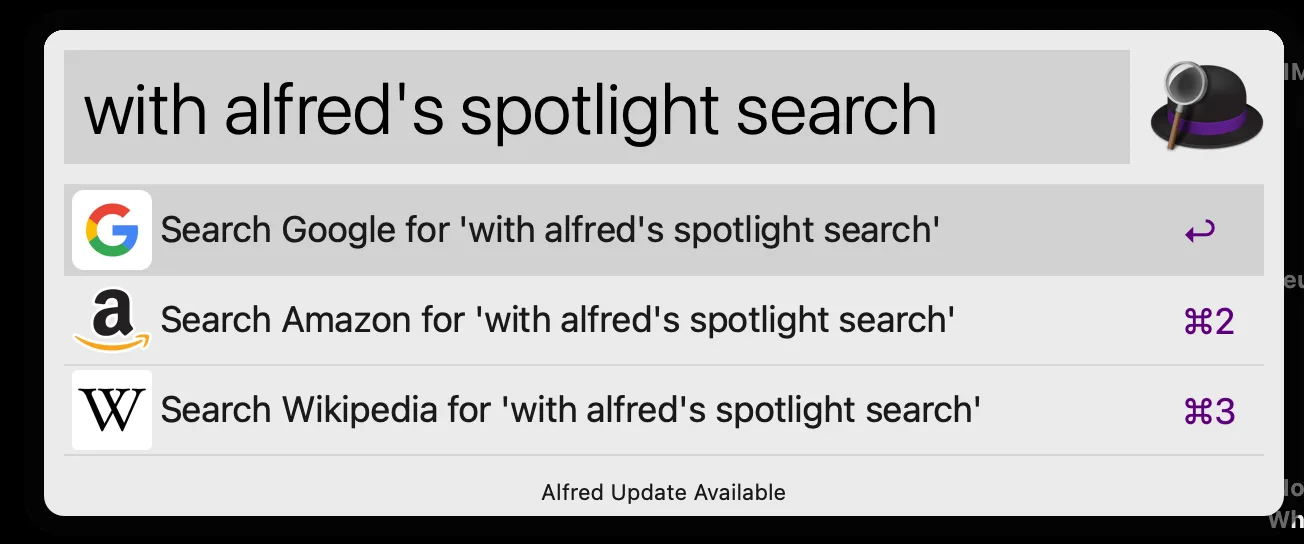
- consider replacing googling with

- or consider replacing
- navigating to your browser—>
- opening a new tab—>
- enter text—>
- finally googling—>
- enter text—>
- opening a new tab—>
- navigating to your browser—>
Further reading:
Some reasons to work on productivity and velocity, Dan Luu
Automate, automate it all, Habryka
10 non-boring ways I've used AI in the last month, Habryka
computer things mac people should do, Saul
Jesse Gilbert's compute things
Related, security & digital hygiene:
Digital Hygiene, Andrej Karpathy
Advanced Privacy Despite Authoritarianism, Alex Turner
Securing your Digital Life, Jeffrey Ladish